

See what changed
Keep the repository, branch, and commit connected to the release they produced.
Connect your code and choose where to deploy. Shipploy takes care of builds and hosting, with custom domains and release controls built in.
Run your applications on AWS with builds, hosting, and custom domains managed through Shipploy. Choose when to release and review your hosting costs in one place.
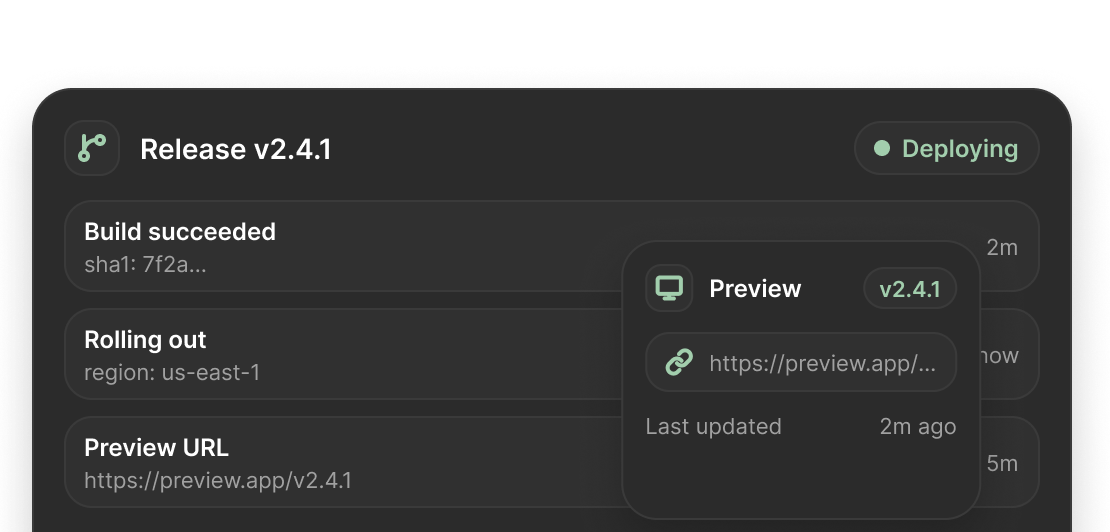
A deployment should come with context. See where it came from, how the build went, and which version your application is running.
Explore documentationKeep the repository, branch, and commit connected to the release they produced.
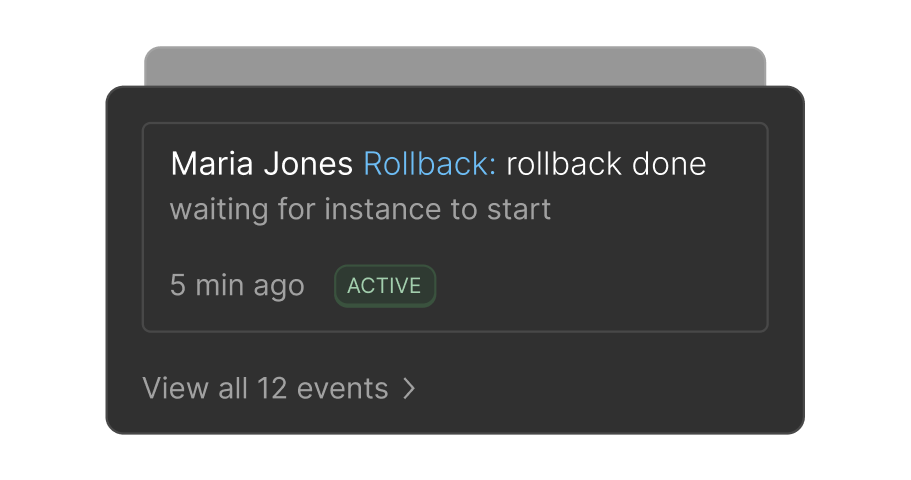
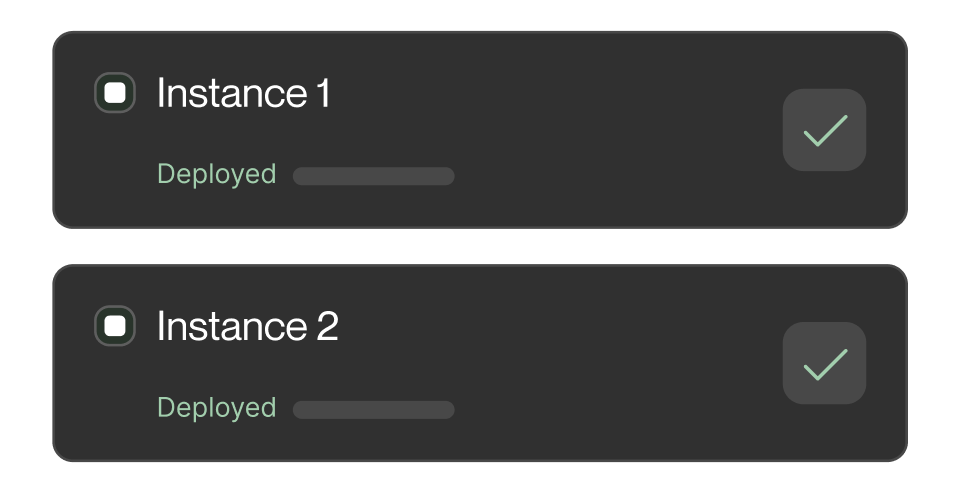
Watch deployment progress and read the logs when something needs your attention.
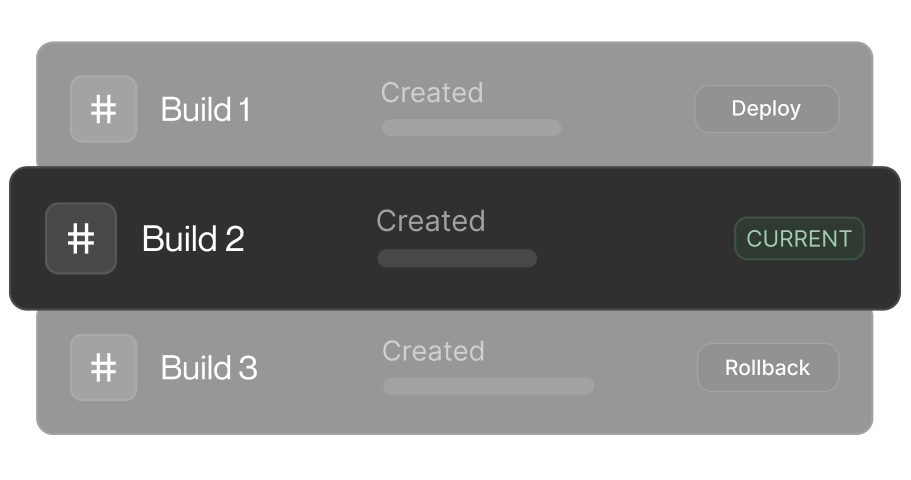
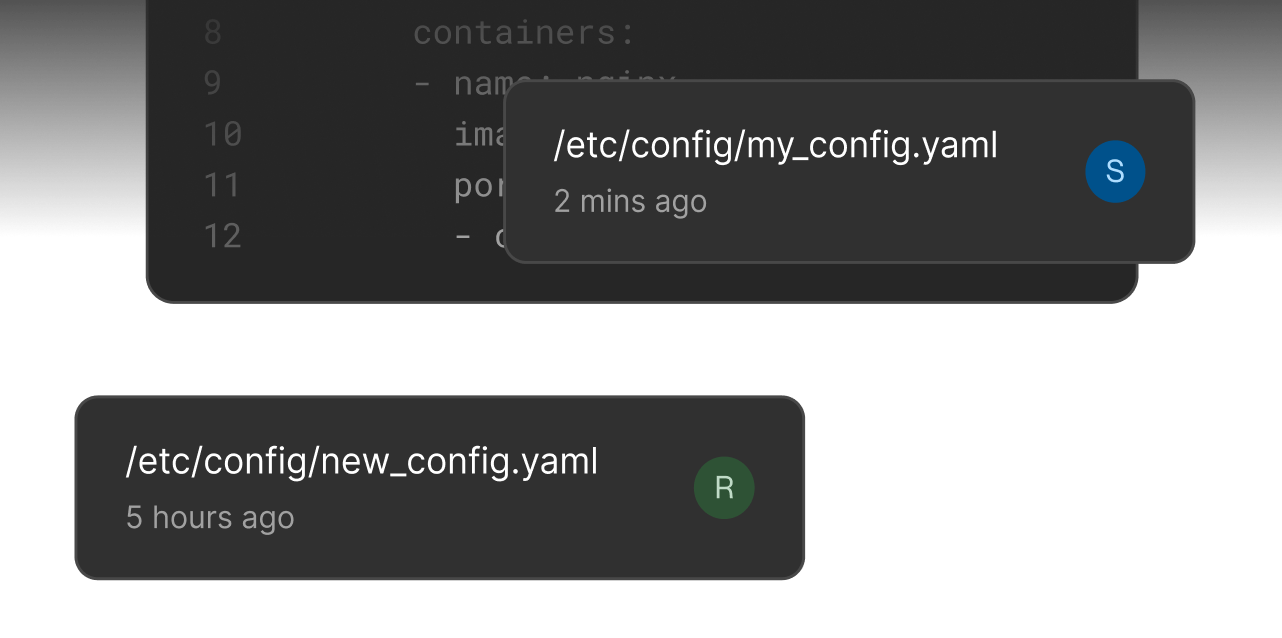
Compare deployments and return to the configuration and artifacts behind an earlier version.
Deploy websites, web apps, and APIs from GitHub or Docker. Manage their configuration, domains, and releases without switching between tools.
Explore documentationConnect a GitHub repository or deploy a Docker image. Bring your web application or API into the same deployment workflow.
Give development, staging, and production their own configuration and URLs. Review changes in context before your next release.
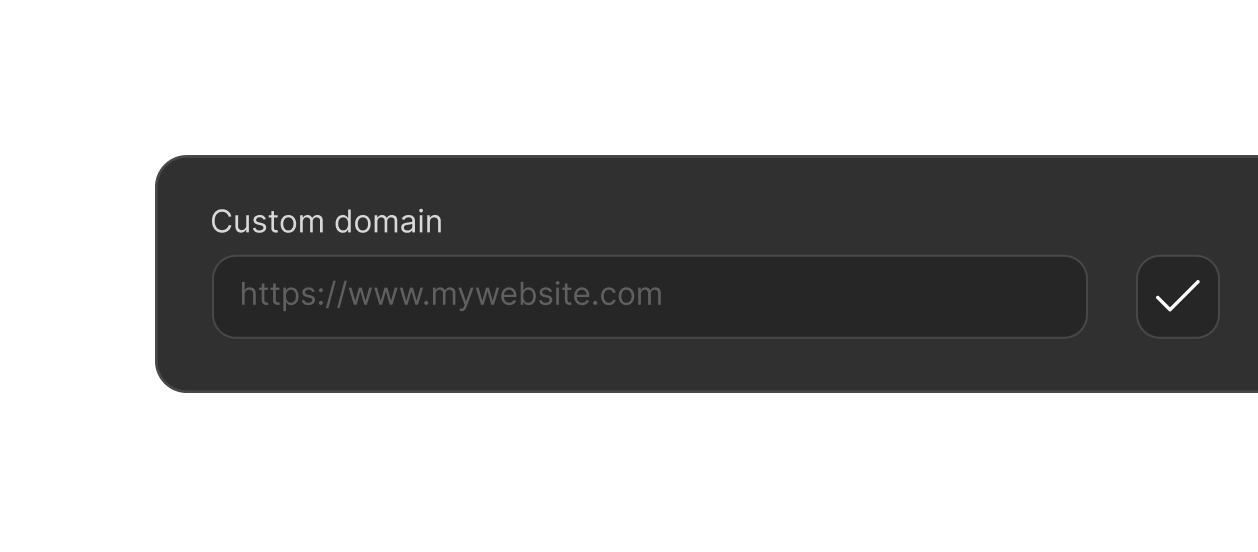
Put your application on your own domain with HTTPS. Manage domain verification and routing alongside the application it belongs to.
Keep environment variables and secrets with each environment. Update settings and apply them through your deployment workflow.
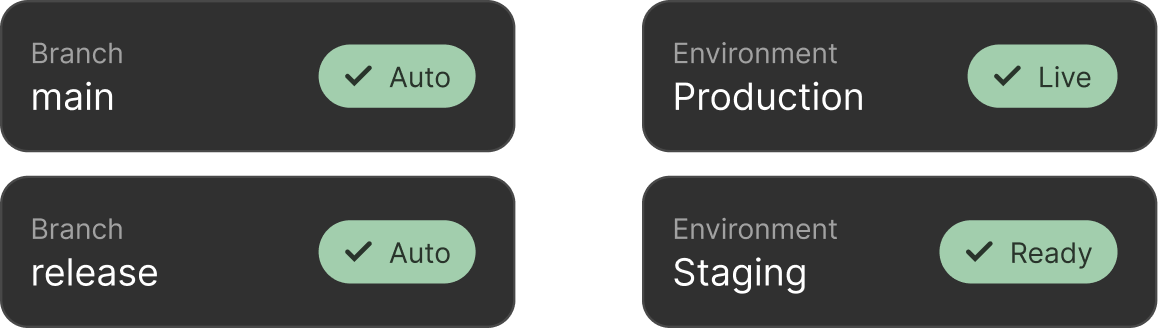
Choose which branches deploy to which environments. Turn repository updates into deployments without repeating the same manual steps.
Find the commit, build logs, status, and URL for each deployment. Keep the context you need to investigate an issue or revisit a release.
Connect your code, review your settings, and launch when you’re ready.
Explore documentation
Connect GitHub and choose a repository, or provide your Docker image.

Set your build command, application port, and variables. Review the hosting estimate.

Follow the build, open your application URL, and connect your domain. Your next update starts with the same workflow.
Launch your own product, collaborate on a team application, or keep client projects organized. Give each application a home without losing sight of the others.
Move from your editor to a running app. Keep your code, configuration, and deployment feedback connected as you iterate.
Work across applications with shared release history, application access controls, and separate environment settings.
The essentials before your first deployment.
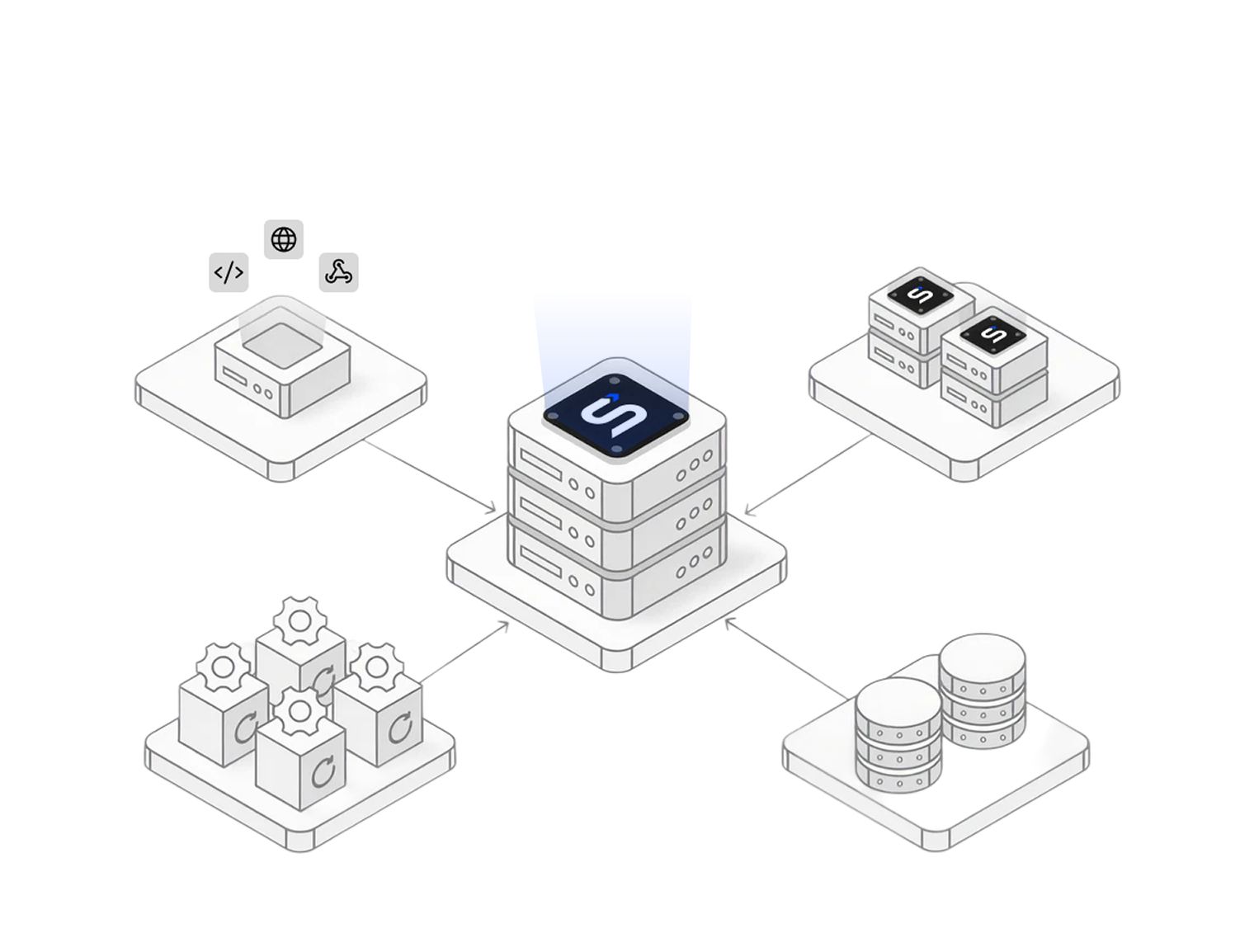
Shipploy is an application deployment and hosting platform. It brings code, builds, environments, domains, and deployment history into one workflow, so you can spend more time developing your product.
Static websites, stateless web applications and APIs packaged as HTTP containers, including Next.js applications configured for container deployment. Your application can connect to an external database. Check the documentation for configuration requirements.
You can connect your repository and configure the build and runtime settings in Shipploy. Branch rules let you choose how future pushes trigger deployments. Docker images are also supported when you prefer to bring your own build.
Yes. Add your domain, verify ownership, and configure its DNS. Shipploy provides the domain and HTTPS routing controls alongside your application.
Yes. Each environment has its own configuration, variables, branch rules, and hostname. The number of environments available depends on your plan.
Review an estimate based on your resource settings and expected usage before deploying. The estimate shows its assumptions; actual costs depend on usage and your plan. You can review recorded usage and remaining allowances in your workspace.
Tell us what you want to deploy through Get started. We’ll help you choose the right setup for an individual project or your team.
Whether it’s your own product, a client project, or a tool for your team, bring your code and start with Shipploy.
Get started